
How to Choose the Best AI Voice Synthesizer for Speech or Singing in 2026
Published: · Updated:
If you already have a vocal and want a different voice on it, the Voicestars AI voice catalogue converts recordings and also reads typed text.
“AI voice synthesizer” covers three different tools: text-to-speech engines for narration, singing synthesizers for melodies, and voice conversion that changes the voice on a recording. Comparing them as one category leads to the wrong choice.
This guide separates the three and gives five steps to pick the right one for your project, from languages and control to export and licence.
We reviewed Google Cloud Text-to-Speech documentation, ElevenLabs’ text-to-speech page and the Dreamtonics and OpenUtau sites on 11 November 2026.
Put another voice on your recording
Drop a spoken or sung recording, or switch to text, and convert it with an AI voice.
Our verdict
Choose an AI voice synthesizer by output first: a text-to-speech engine for spoken narration, a singing synthesizer such as Synthesizer V or OpenUtau for composed vocals, or voice conversion to change the voice on an existing recording. Then check languages and voices, test with your own script or melody, compare control features such as SSML or pitch editing, and confirm export formats and commercial rights.
- 01 Text → speech Text-to-speech engine
- 02 Notes → singing Singing synthesizer
- 03 Voice → voice Voice conversion
Speech synthesizer, singing synthesizer or voice conversion?
Each type takes a different input. The examples are illustrative, not a ranking.
| Type | Input | Examples | Choose it for |
|---|---|---|---|
| Speech synthesizer (text to speech) | Typed text, optionally SSML markup | Google Cloud Text-to-Speech, ElevenLabs | Narration, apps, videos, accessibility |
| Singing synthesizer | Notes (MIDI) and lyrics | Synthesizer V, OpenUtau | Sung vocals you compose note by note |
| Voice conversion | A recorded spoken or sung performance | Voicestars AI voices | Keeping your timing and melody in another voice |
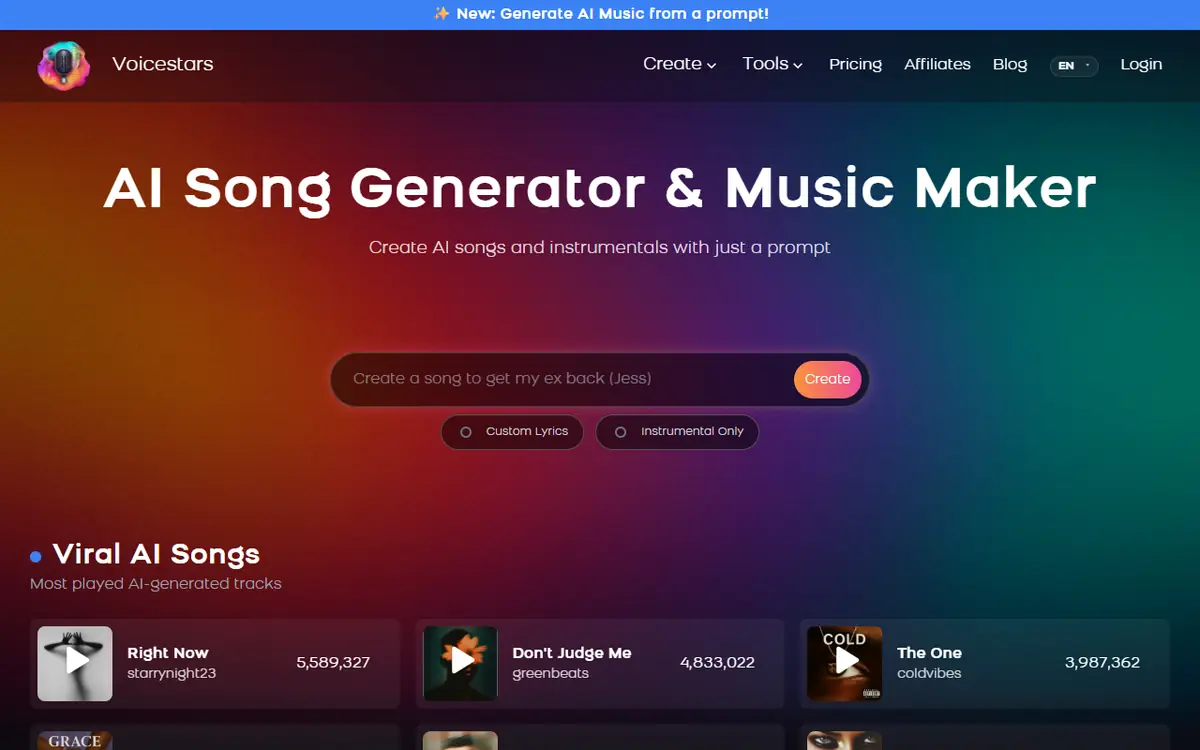
Voicestars voice pages combine conversion with a Text-to-Speech tab, and the Voicestars AI Song Generator creates sung vocals from a prompt.
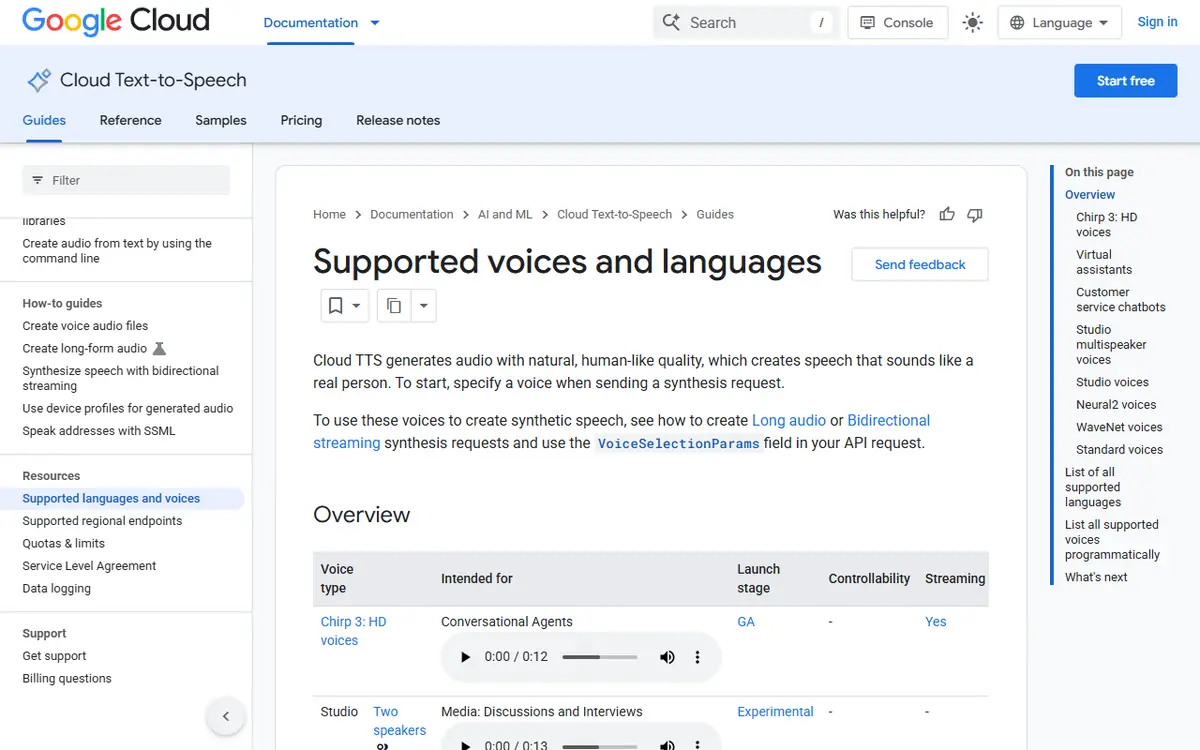
Sources: Google Cloud Text-to-Speech: supported voices and languages · Dreamtonics: Synthesizer V free trials · Voicestars AI voice catalogue
Choose an AI voice synthesizer in 5 steps
Do the steps in order; each one narrows the list.
- Define the output: spoken narration, a sung melody or a different voice on an existing performance. This single choice rules out most tools, because speech and singing synthesizers are built differently.
- Check languages, accents and voice types against your script. Google, for example, publishes the languages and voice types of its text-to-speech service; a voice that does not exist in your language cannot be fixed later.
- Test with your own text or melody, not the demo. Paste a real paragraph with names and numbers, or a few bars of your song, and listen on headphones and a phone speaker.
- Check control: SSML or pronunciation tools for speech (pauses, emphasis, phonemes), and pitch, vibrato and timing editing for singing. More control means less regenerating.
- Check export and licence: file formats, commercial rights, credits or subscription, and rules for imitation voices. Keep the plan and date you used for each project.
Example: a one-paragraph test script
Original test text that exposes common weaknesses in speech synthesizers.
Dr. Nguyen will arrive on 3/14 at 9:45 a.m. — read that again: March fourteenth, nine forty-five. Is that clear? Great! Let’s begin.What to check
- The title, name, date and time are read correctly.
- The question and exclamation change the intonation.
- The dash creates a natural pause.
Control matters more than the demo
Demos are chosen to sound good. Your script will contain names, numbers and emotions the demo never showed, so control features decide how much time you spend fixing output.
For speech, SSML lets you insert pauses, emphasis and pronunciations. Google documents the SSML tags its service accepts.
For singing, look for pitch-curve, vibrato and timing editing. Open-source editors such as OpenUtau and commercial tools such as Synthesizer V both expose note-level control.
For singing without paying, see our free AI singing voice generator comparison.
Fix common synthesizer problems
| Symptom | Likely cause | What to do |
|---|---|---|
| Names mispronounced | No pronunciation control used | Use SSML phonemes or respell the word. |
| Speech sounds flat | Long sentences, no pauses | Add punctuation or SSML breaks. |
| Singing sounds robotic | Default pitch and vibrato | Edit pitch curves and vibrato on long notes. |
| Cannot use it commercially | Free-tier licence | Check the plan before production. |
Use Voicestars when you already have a performance
If you recorded or generated a vocal, convert it instead of synthesizing from scratch.
- Search the catalogue for a singer or character voice.
- Upload your vocal, or type text in the Text-to-Speech tab.
- Compare with the original and label the result as AI.
Need narration rather than singing? Our PlayHT alternatives guide compares text-to-speech services.
Where each option falls short
Product examples come from official pages on the verification date.
Features and plans change; check each provider before you commit.
How we compared the tools
Tested and written by Big Jeezy, music producer, on 11 November 2026, using Voicestars and the tools named in this guide.
- Google Cloud Text-to-Speech documentation (voices and SSML), ElevenLabs’ text-to-speech page, Dreamtonics’ trial page and the OpenUtau project reviewed 11 November 2026.
- The test script is original. No audio test is reported.
- Voicestars publishes this guide and offers the voice conversion and song generator mentioned.
Screenshots and examples come from these sessions. Voicestars publishes this guide and sells the voice tools it mentions.
Report a correction to Voicestars Editorial with the page, date, a short reproducible example and the observed result. Avoid sending private recordings. See our editorial policy.
FAQ
What is an AI voice synthesizer?
Software that generates a voice with machine learning. It can turn text into speech, turn notes and lyrics into singing, or convert one voice into another.
What is the best AI voice synthesizer?
It depends on the output. For narration, compare text-to-speech services on your own script. For singing, compare singing synthesizers on a short melody. For changing a voice on a recording, use voice conversion.
Is there a free AI voice synthesizer?
Some services include free credits, operating systems include basic voices, and OpenUtau is a free, open-source singing synthesis editor. Commercial use is often limited on free tiers.
What is Synthesizer V?
A singing synthesizer by Dreamtonics that generates sung vocals from notes and lyrics with voice databases. Dreamtonics offers trial versions on its site.
What is SSML?
Speech Synthesis Markup Language, a way to add pauses, emphasis and pronunciation hints to text-to-speech input. Google documents the tags its service supports.
Can a voice synthesizer copy a real person?
Voice cloning and conversion can imitate a voice. Only use a real person’s voice with consent, and label imitation voices as AI.
Sources
Checked on 11 November 2026.
To check voices and markup for speech, see Google’s list of supported voices and SSML reference.


