
How to Make AI Sing a Song With Your Lyrics or Your Own Voice, in 6 Steps
Published: · Updated:
Have lyrics ready? The Voicestars AI Song Generator sings them in the style you describe.
Making AI sing a song used to require a studio; now you can start from lyrics, from your own humming or from notes on a grid.
This guide compares the three methods, then gives six steps to get a sung result that sounds natural, plus a lyric template that AI sings clearly.
We reviewed the Voicestars song generator and singer voices and the OpenUtau project on 11 November 2026.
Turn your singing into a singer’s voice
Drop your sung recording, pick a voice and continue on the voice page.
The answer in brief
To make AI sing a song, paste singable lyrics with labelled sections and a one-line style description into an AI song generator, or sing the melody yourself and convert the recording into a singer voice, or write the notes in a singing synthesizer. Generate a few takes, fix rushed or mispronounced lines, then mix and label the vocal as AI.
- 01 Lyrics Song generator
- 02 Your singing Voice conversion
- 03 Notes Singing synthesis
Song generator, voice conversion or synthesis?
The methods differ in what you control. This is not a quality ranking.
| Method | You provide | You control | Best for |
|---|---|---|---|
| Song generator | A prompt and optional lyrics | Style, mood, lyrics | A complete song quickly |
| Voice conversion | Your sung recording | Melody, timing, emotion | Your exact melody in another voice |
| Singing synthesis | Notes (MIDI) and lyrics | Every note and syllable | Precise control, composers |
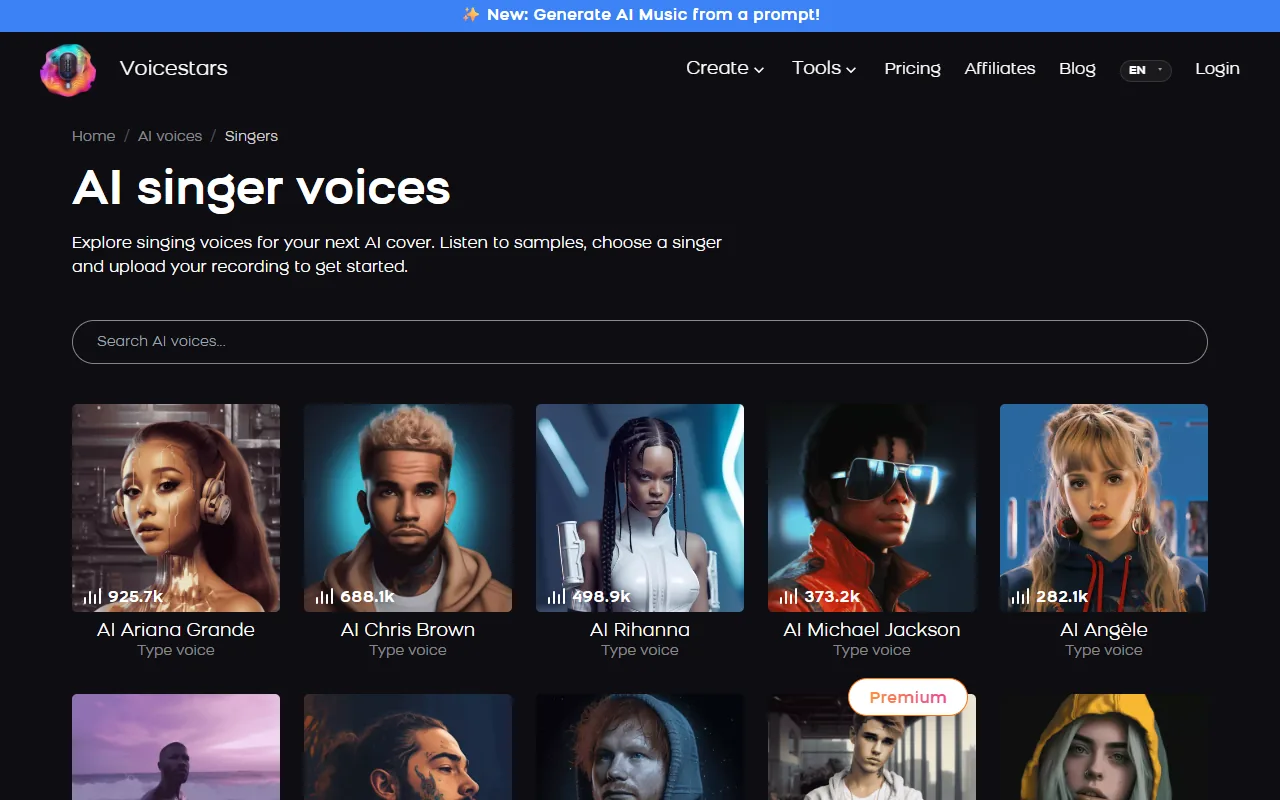
Voicestars offers both a song generator and singer voices for conversion, so you can generate a song and then change its voice.
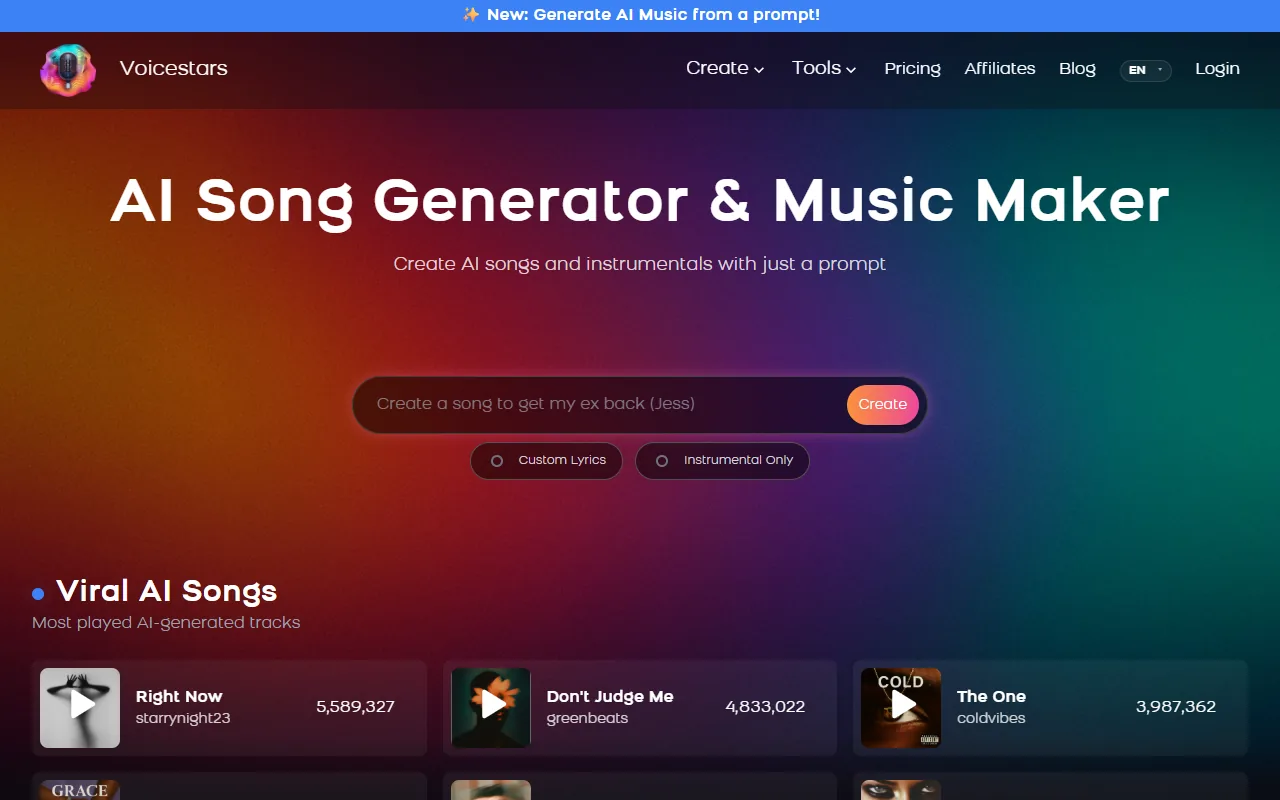
Sources: Voicestars AI Song Generator · Voicestars singer AI voices · OpenUtau on GitHub
Make AI sing a song in 6 steps
Steps 2 and 3 matter most for clear, natural singing.
- Choose the method by what you already have: only lyrics (song generator), a melody you can sing (voice conversion) or a melody written as notes (singing synthesis).
- Write singable lyrics: short lines, simple words, a repeated chorus and labelled sections such as [Verse] and [Chorus]. Long lines get rushed or cut.
- For a generator, describe genre, tempo, mood and voice type in one sentence, for example “acoustic pop, 90 BPM, warm female vocal”. For conversion, record your melody dry and in tune.
- Generate or convert two or three versions and choose the best take for the chorus before judging the whole song.
- Fix problem lines: shorten a rushed line, change a word that is mispronounced, or re-record the phrase you converted.
- Mix and label: balance the vocal with the music, add light reverb if needed, and say the vocal is AI-generated when you share it.
Example: lyrics formatted for AI singing
Original lyrics with short lines and labelled sections.
[Verse]
City lights on a rainy street
I hear the rhythm of my feet

[Chorus]
Sing it loud, sing it now
We will find our way somehow
What to check
- Each line has about eight syllables.
- The chorus repeats a simple hook.
- Sections are labelled.
Which method sounds most natural?
Voice conversion usually keeps the most human feel, because the timing and emotion come from a real performance.
Song generators are fastest when you do not sing, and they create the music too.
Singing synthesis gives the most control but needs patience: natural results come from editing pitch, vibrato and timing note by note.
To sing it in your own voice, follow our guide to making an AI voice of yourself.
Fix common AI singing problems
| Symptom | Likely cause | What to do |
|---|---|---|
| Lyrics rushed or skipped | Lines too long | Split long lines into two. |
| Wrong style | Vague prompt | Name the genre, tempo and voice type. |
| Converted voice cracks | Melody outside the voice’s range | Transpose or choose another voice. |
| Robotic synthesized singing | Flat default notes | Add vibrato and pitch bends on long notes. |
Make AI sing with Voicestars
Generate the song, then change its singer if you want.
- Describe the style and paste your lyrics in the AI Song Generator.
- Keep the best take.
- Convert the vocal with a singer voice, or with your own trained voice.
Already sang the melody? Convert it with the Voicestars singer voices.
Points to watch
Free allowances and rights change; check each provider.
How we checked this guide
Tested and written by Big Jeezy, music producer, on 11 November 2026, using Voicestars and the tools named in this guide.
- Voicestars AI Song Generator and singer voices, the OpenUtau project and Suno’s pricing page reviewed 11 November 2026.
- The lyrics are original.
- Voicestars publishes this guide and sells the song generator and voice conversion mentioned.
Screenshots and examples come from these sessions. Voicestars publishes this guide and sells the voice tools it mentions.
Report a correction to Voicestars Editorial with the page, date, a short reproducible example and the observed result. Avoid sending private recordings. See our editorial policy.
Common questions
How do I make AI sing my own lyrics?
Paste your lyrics into a song generator with a short style description. Label verse and chorus sections and keep lines short so they are sung clearly.
How do I make AI sing in my voice?
Train an AI model of your voice from about ten minutes of clean recordings, then convert any sung vocal into it.
How do I make AI sing a song in someone else’s voice?
Sing or isolate the vocal, then convert it with a singer voice. Label it as AI and avoid commercial use without permission.
Can AI sing a melody I wrote?
Yes. Sing it and convert your recording, or enter it as notes in a singing synthesizer such as OpenUtau.
Is there a free way to make AI sing?
Some song generators include daily or monthly free credits, usually for non-commercial use, and OpenUtau is free and open source.
Why are some words sung wrongly?
Long lines, rare words and unclear syllables are the usual causes. Simplify the line or respell the word.
Sources we used
Checked on 11 November 2026.
For note-by-note control, see OpenUtau on GitHub; for a free daily allowance, check the Suno pricing page.


