
How to Make an AI Voice of Yourself That Can Talk and Sing
Published: · Updated:
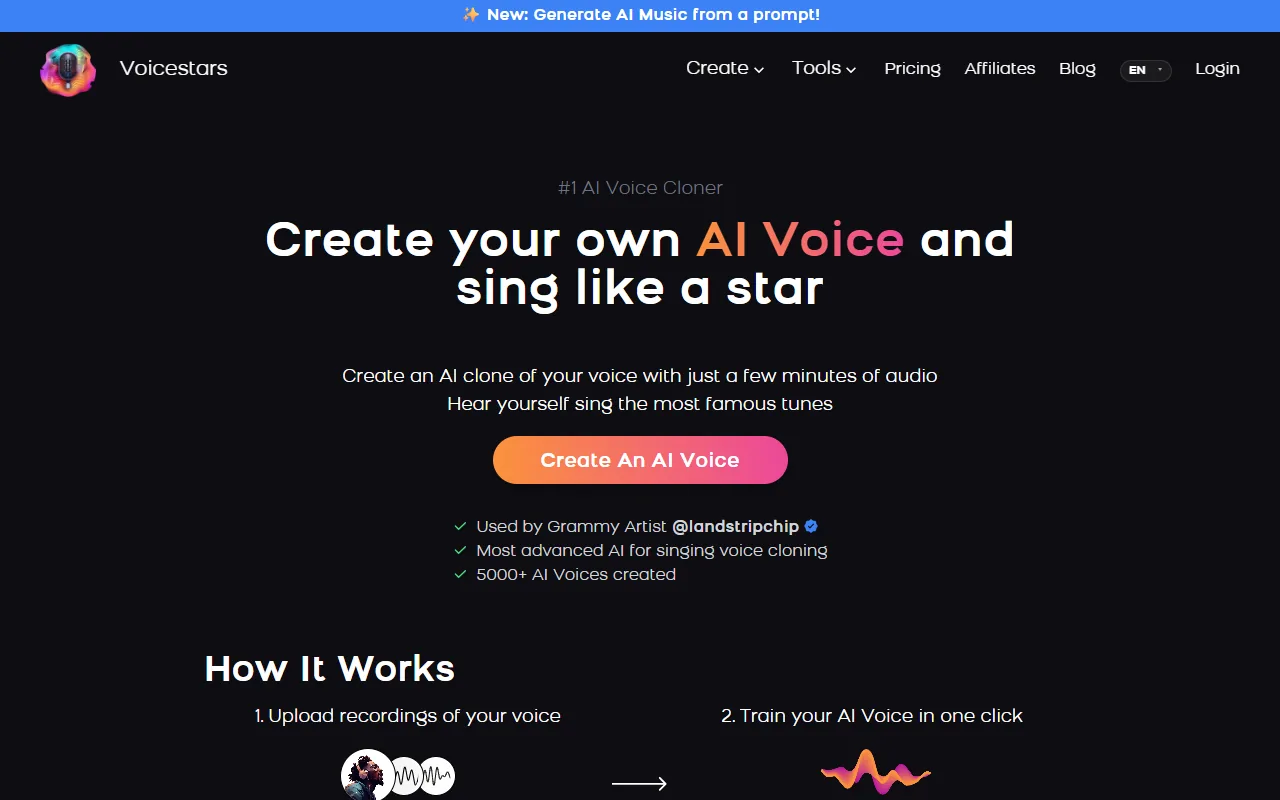
Ready to try it? The Voicestars voice-cloning page trains a singing and speaking model of your voice from a few minutes of recordings.
Making an AI voice of yourself means training a model on your own recordings, so it can sing or speak anything in your voice. The quality depends far more on your recordings than on the button you press.
This guide gives six steps from recording to testing, explains how much audio you need and covers the consent rules for cloning a voice.
We reviewed the Voicestars voice-cloning page and pricing on 11 November 2026.
Short answer
To make an AI voice of yourself, record about ten minutes of clean, dry audio covering your range, clean the files, upload them to a voice-cloning tool and train the model (about one to two hours on Voicestars). Then test it on a song or line you know, add recordings for weak notes and retrain if needed. Only clone another person’s voice with their consent.
- 01 Record About 10 minutes, dry and varied
- 02 Train Upload and train the model
- 03 Use Convert songs or lines into your voice
Clone your voice, design a new one or use someone else’s?
Three different goals hide behind “make an AI voice”. Pick the one you need.
| Goal | Method | What you need | Result |
|---|---|---|---|
| A model of your own voice | Voice cloning: train on your recordings | About 10 minutes of clean audio | Your voice singing or speaking any input |
| A brand-new voice that does not exist | Voice design from a text description | A written description | An original synthetic voice |
| Someone else’s voice | Cloning with their recordings | Their explicit consent | Only legitimate with permission |
Voicestars trains singing and speaking voice models from your recordings; voice design from a text description is offered by other text-to-speech providers.
Sources: Voicestars: Create an AI Voice · ElevenLabs documentation: Voice Design
Make an AI voice of yourself in 6 steps
Steps 2 to 4 decide most of the final quality.
- Decide what the voice is for: singing covers, voiceovers, or both. A singing model needs sung recordings; a speaking model needs speech. Mixing both is fine if the voice is the same person.
- Record about ten minutes of your voice in a quiet room, close to the microphone, without music or effects. Voicestars recommends around ten minutes of clear speaking and/or singing with minimal background noise.
- Cover your range: sing low, middle and high notes, soft and loud passages, and speak with natural expression. The model can only reproduce what it has heard.
- Clean the files: cut long silences, coughs and noisy sections, and export as WAV or high-quality MP3. Do not add reverb, autotune or compression.
- Upload the recordings and start training. On Voicestars, training usually takes one to two hours and you are notified by email when the voice is ready.
- Test the voice on a song or line you know well, compare with your real voice and adjust: record more material for weak notes, then retrain if needed.
Example: a ten-minute recording plan
An original plan that covers range and expression for a singing and speaking model.
0–3 min: read a short text calmly, then with emotion
3–6 min: sing a familiar song in your comfortable range
6–8 min: sing scales from your lowest to highest note
8–10 min: sing a soft ballad passage and a loud chorus
What to check
- No music or reverb on any recording.
- Low, middle and high notes are all present.
- Soft and loud passages are both included.
Why recording quality matters more than length
The model learns everything in the recordings, including room echo and background noise, and reproduces it in every conversion.
Variety matters: a model trained only on quiet speech will struggle with loud singing. Cover the range and dynamics you plan to use.
Start with ten good minutes, test, and add targeted material for weak spots rather than recording an hour at once.
Once your voice is ready, follow our AI song cover guide to sing any song with it.
Fix common AI voice training problems
| Symptom | Likely cause | What to do |
|---|---|---|
| Voice sounds muffled | Room echo or distant microphone | Record closer in a smaller, furnished room. |
| High notes crack | No high notes in training data | Record and add sung high passages. |
| Background hiss in results | Noisy recordings | Use a noise remover or re-record. |
| Sounds unlike you | Effects or autotune on the recordings | Train on dry, unprocessed audio. |
Create your AI voice with Voicestars
Upload, train and convert in three steps.
- Upload your recordings on the Create an AI Voice page.
- Start training; you are notified by email when it is ready.
- Convert any song, vocal or typed text into your voice.
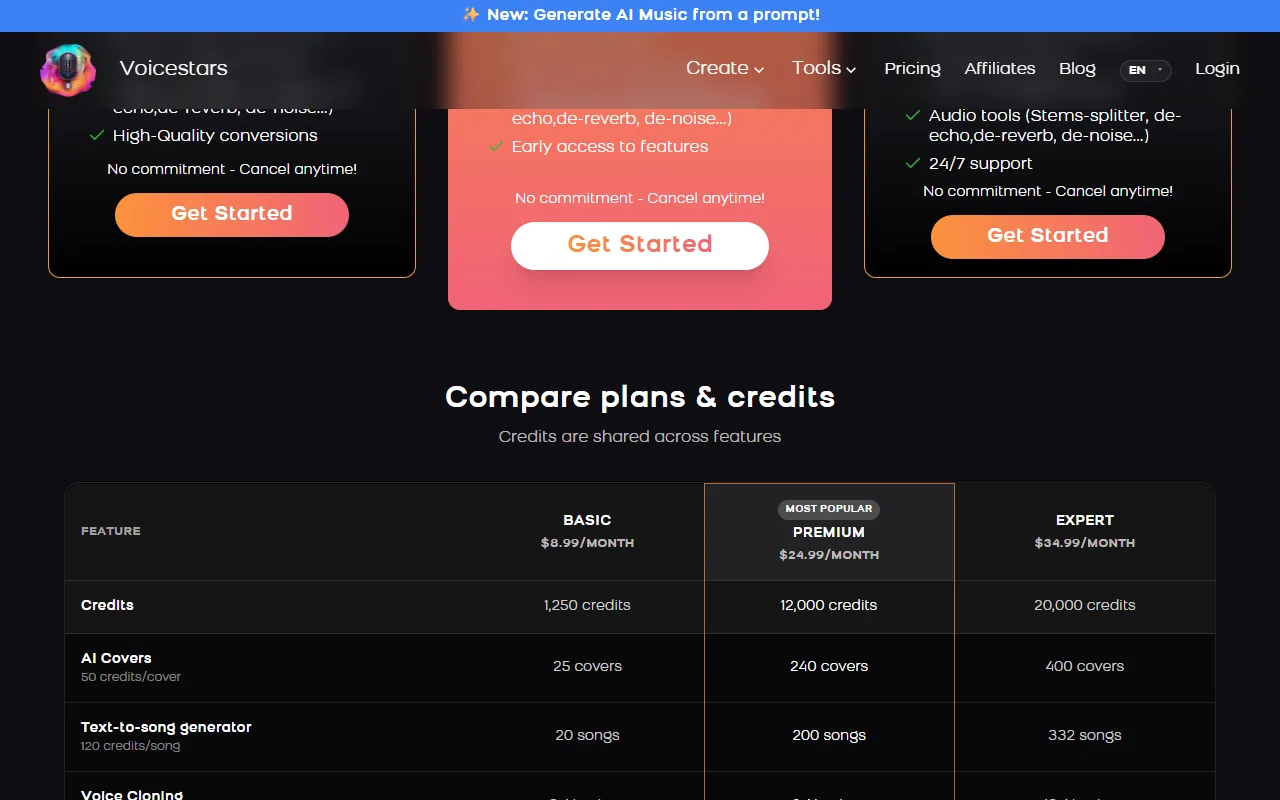
Check how many voices each plan includes on the Voicestars pricing page.
Good to know
Durations and costs come from the Voicestars site on the verification date and can change.
How we tested it
Tested and written by Big Jeezy, music producer, on 11 November 2026, using Voicestars and the tools named in this guide.
- Voicestars Create an AI Voice page and pricing reviewed 11 November 2026; screenshots captured that day.
- The recording plan is original. No training test is reported.
- Voicestars publishes this guide and sells the voice-cloning feature described; it has a commercial interest in this topic.
Screenshots and examples come from these sessions. Voicestars publishes this guide and sells the voice tools it mentions.
Report a correction to Voicestars Editorial with the page, date, a short reproducible example and the observed result. Avoid sending private recordings. See our editorial policy.
Questions and answers
How much audio do I need to make an AI voice?
Voicestars recommends about 10 minutes of clean audio. More varied material (range, dynamics, expression) improves the model more than simply more minutes.
How long does training take?
On Voicestars, usually one to two hours, with an email when the voice is ready.
Can I make an AI voice of someone else?
Only with their explicit consent. Cloning a person’s voice without permission can break platform rules and, in some places such as Tennessee, laws protecting a person’s voice.
Can my AI voice sing?
Yes, if you train it on sung recordings. Upload any song or vocal and convert it into your voice.
Can I use my AI voice commercially?
Voicestars states that you can if it is your own voice. For any other voice you need the person’s authorisation.
How much does it cost?
On the Voicestars pricing page, a custom voice costs 2,000 credits, and custom voices are included in the Premium and Expert plans.
Sources
Checked on 11 November 2026.
To create an original voice from a description instead, see the ElevenLabs Voice Design documentation; for the law on voice likeness, the Tennessee ELVIS Act announcement.


